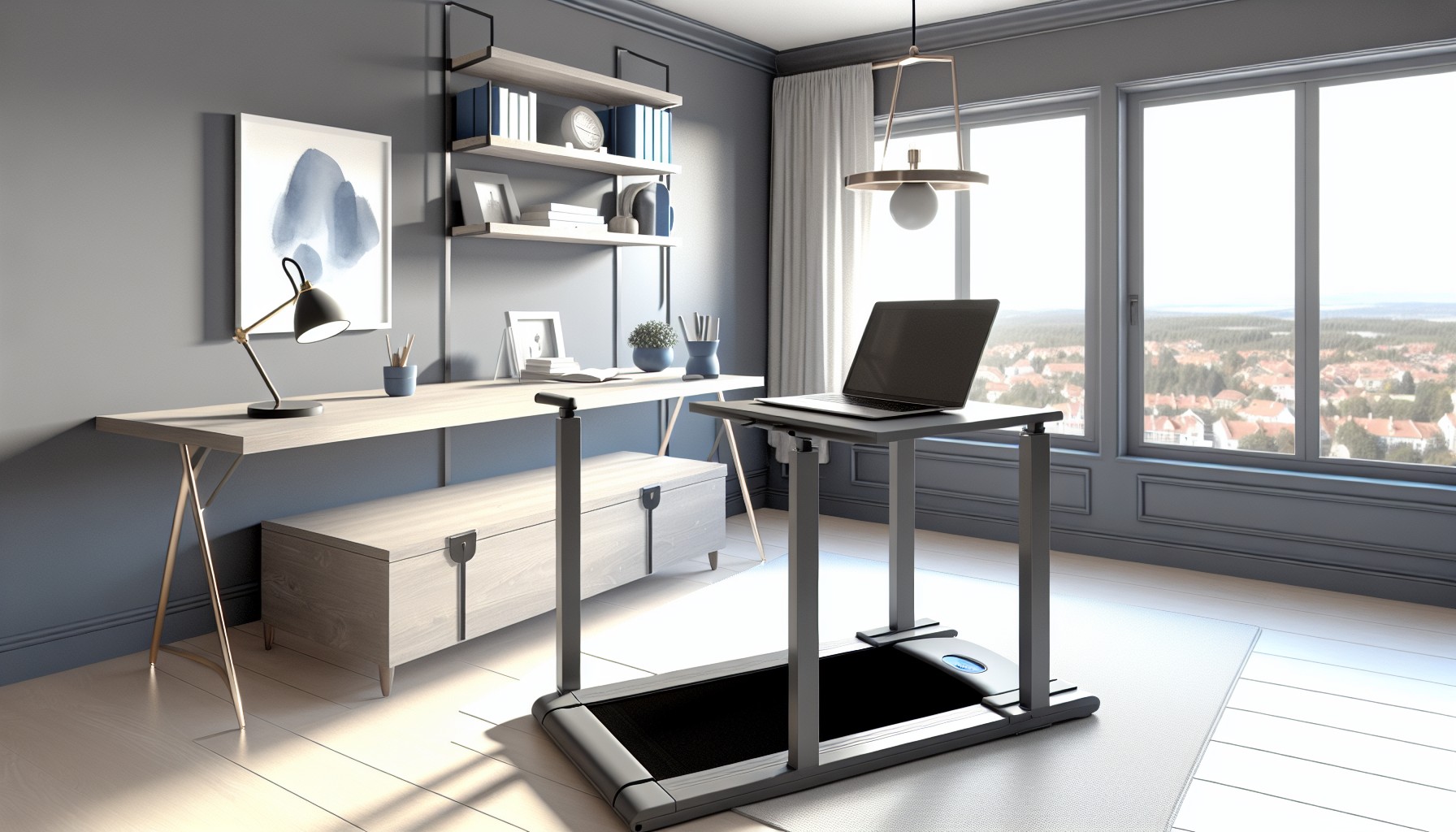
A recurring thread pattern on r/WorkOnline captures the walking pad dilemma better than any product review. Users ask some version of the same blunt question: “Did I waste $200 on a walking pad?” The replies split almost evenly — half say yes, absolutely wasted, and the other half say it changed their workday. The divide isn’t about motivation or discipline. It’s almost entirely about which model they bought and how much they spent.
That split is the story walking pad content keeps skipping past.
The Sedentary Math Nobody Likes to Say Out Loud
Remote workers are the most sedentary workers alive. Studies show the average American adult sits for more than 10 hours a day — and WFH professionals often clock even more, since they don’t have a commute, a walk to the parking lot, or a staircase between floors to break things up. A 2021 PMC study found that remote workers using treadmill desks walked an average of 4,500 more steps per day than those who didn’t.
That’s not nothing. That’s a real intervention — not for weight loss (though the calories add up: Dr. James Levine’s treadmill desk research found subjects burned roughly 100 extra calories per hour while walking at under 1 mph), but for cardiovascular health, joint health, and afternoon brain fog. A 2024 Mayo Clinic study found that people using active workstations improved their cognitive performance without reducing job output. Research from New Mexico Highlands University has also shown that walking increases the supply of blood to the brain — which is exactly why emails and calls feel easier when you’re moving.
The question isn’t whether walking pads work. The research is pretty clear. The question is whether your walking pad will still be working in six months.
The Budget Trap That Catches Most First-Time Buyers
Here’s where the TikTok content does buyers a disservice. The videos show $150-$250 machines — easy to impulse-buy, great thumbnail potential. Users in the r/WorkOnline and r/HomeOffice communities report a consistent outcome with those models: the motors burn out within 4-6 months of daily use.
The reason is mechanical. Budget walking pads use small, cheap motors rated for short sessions. Consumer Reports has flagged budget models in the $100-200 range for poor build quality and recommends spending at least $300-500 for reliability. The pattern in extended-use community reviews is clear: anything under $250 isn’t designed for the 8,000-10,000 daily steps that make a walking pad worth owning.
The second trap is noise. Budget machines get louder over time — motors struggling under continuous load vibrate and rattle as they age. Apartment users report that a cheap walking pad is initially acceptable but becomes a neighbor problem within months. Office Walker’s five-year roundup of the quietest walking pads found a direct correlation between price and sustained noise performance: machines under $300 almost universally degraded in noise output after six months of daily use.
What Reddit Users Who Stuck With It Actually Report
The 6-month and 12-month check-ins from the WFH community paint a specific picture — not the glossy one from launch-day unboxings.
What holds up well: Users who bought quality models consistently report real changes in afternoon energy levels and lower back pain. Multiple threads in r/WorkOnline and r/selfimprovement describe back pain relief as the most unexpected benefit — not the step count, not the calorie burn, but the absence of the 3pm slump and the ache from hours of static sitting. Users with two years of daily use on LifeSpan models consistently describe it as the only fitness equipment they actually use every single day — a sentiment that appears repeatedly across long-term check-in threads.
What surprises people: The adaptation period is real. Experts recommend starting with 15-30 minute sessions — not because it’s hard aerobically, but because your concentration takes a few days to stop splitting attention between walking and working. Typing speed drops 5-10% in the first week before recovering to baseline. Users who pushed through the 3-7 day adjustment period report it disappearing entirely.
What doesn’t work: Fine motor tasks. Detailed spreadsheet work, graphic design, anything requiring precise mouse movement — these tasks are harder while walking, and multiple community members describe stepping off the machine for focused work blocks. Daily Burn’s WFH walking pad guide documents the same task split: emails, calls, reading, and brainstorming work fine at 1.5-2.5 mph; precision work gets its own sitting blocks.
The foot problem nobody mentions: Extended daily walking on a hard belt — especially for users with flat arches — can aggravate plantar fasciitis. Podiatry specialists note that treadmill walking increases pressure on the plantar fascia, and users with existing foot conditions should consult their doctor before committing to daily treadmill desk use. Proper footwear (actual athletic shoes, not slippers or socks) is non-negotiable — something first-time buyers consistently underestimate.
Disclaimer: This article contains general wellness information. Consult a healthcare professional before beginning any new physical activity routine, particularly if you have existing joint, foot, or cardiovascular conditions.
Three Models Worth Buying in 2026
The community has essentially converged on three tiers:
Budget-but-viable: WalkingPad A1 Pro (~$519-$549) The most recommended entry-level model in r/WorkOnline. Folds in half for storage, quiet enough for Zoom calls at 1.5 mph, 300 lb capacity. The WalkingPad A1 Pro uses a 1.25 CHP continuous-duty motor and near-silent de-noising technology that separates it from the $150-250 graveyard. One community note: disable the auto-adjust speed feature immediately. Multiple users report it behaves erratically and disrupts workflow. Manual mode only.
Mid-range: WalkingPad C2 (~$449-$599) Slightly newer model, praised for its mobile app integration and compact footprint. A consistent recommendation in r/HomeOffice threads for apartment users, specifically for the noise level. Users in multi-story buildings report no neighbor complaints.
Premium daily-driver: LifeSpan TR1200-DT3 (~$1,199) The machine for people who want it to work indefinitely. The LifeSpan TR1200-DT3 runs a 2.25 CHP motor, holds up to 350 lbs, and has users reporting daily use for 2+ years without performance decline. It doesn’t fold, so you’ll need a permanent spot — but if daily use is the plan, this is the one Reddit’s long-term users point to most consistently.
The Setup Details That Actually Matter
A few things the community has figured out the hard way:
Get a mat. A $25-40 equipment mat under the walking pad reduces vibration transferred to floors (critical for apartments) and protects hardwood. Users report that a quality mat drops perceived noise by 50% or more and prevents hundreds of dollars in flooring damage.
Check your desk clearance first. Sitting-height desks don’t work — you need a sit/stand desk at standing height, or a dedicated elevated desk. The machine adds 5-7 inches of height to your standing position. Garage Gym Reviews notes that many users discover clearance issues only after their walking pad arrives.
Start slow, literally. 1.5 mph is the sweet spot for most knowledge work. 2.0-2.5 mph for calls and reading. Faster speeds reduce typing accuracy and increase the chance of distracting arm movement visible on video calls. Above 3 mph, motor noise becomes genuinely disruptive.
Daily lubrication on budget models. If you’re on a mid-range machine, belt lubrication every 30-40 hours of use is what separates the machines that last a year from the ones that start grinding at month four.
Who Should Skip It
Not everyone. If you’re primarily doing creative or precision-focused work, a walking pad might just be a $500 source of guilt. Users doing heavy CAD work, audio editing, or detailed design describe eventually abandoning the machine during active work hours.
Also worth naming: some users report that the data-tracking features of smart walking pads create mild anxiety around step counts — the same compulsive loop that sleep tracker communities call orthosomnia. If you’re the type who obsesses over metrics, a basic model without a companion app might actually serve you better than a smart one.
The Bottom Line
The walking pad market in 2026 is flooded with cheap machines priced to sell impulse buyers a fantasy that breaks within months. The walking pad you actually need costs more than the one TikTok showed you. The community’s honest consensus: spend at least $500 (WalkingPad A1 Pro starts at ~$519) or wait until you can spend $1,200 (LifeSpan). Anything below $400 is a gamble with a predictable outcome.
When you get the right machine and the right setup, the results the research promises — better cognitive performance, more daily steps, less back pain, more afternoon energy — are real. The WFH community’s 6-month reports confirm it. The key is buying the version that’s actually built to run every day.
That part the TikTok doesn’t show you.
For more on productivity tools and tech that actually delivers on its promises, The Insight Feed has a deep dive on AI agents reshaping the way knowledge workers operate in 2026.
Some links in this article are affiliate links. The Insight Feed may earn a commission at no extra cost to you. This does not influence our recommendations.